Templates
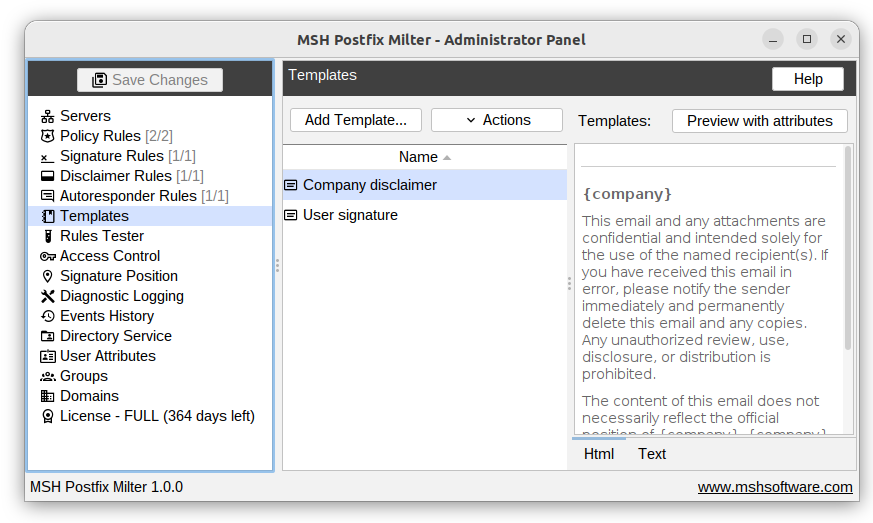
Here you can create templates for email signatures and disclaimers.
Below the list of templates, you can preview each template in both HTML and text formats.
Preview with attributes
"Preview with attributes" shows how the template will look when placeholder attributes are replaced with real user data.

Template compose
Import from files
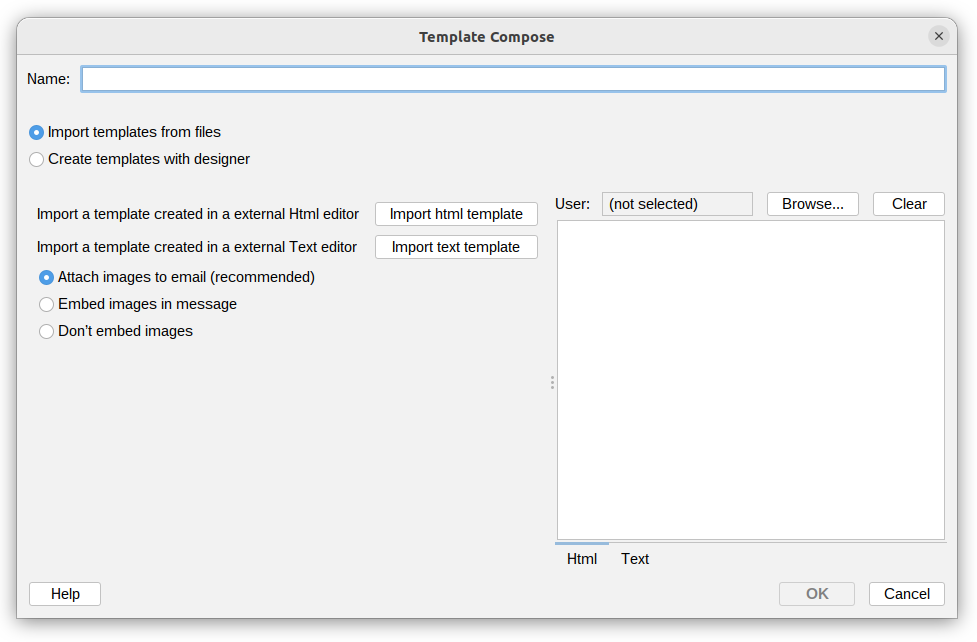
You can import templates from HTML or TXT files. This is useful when you have pre-designed templates you want to reuse.
Attaching images
- Attach images to email (recommended) - images referenced in the HTML template are attached to the email message as inline attachments (CID). The recipient's email client displays them directly in the message body without requiring an internet connection.
- Embed images in message - images are converted to Base64 and inserted directly into the HTML. No separate attachments are created, but the message size increases proportionally to the size of the images.
- Don't embed images - images are left as-is. If the template references external URLs, those links remain unchanged and the images are loaded from the internet when the recipient opens the email.
Create with designer
Templates can be created using a visual designer or by editing raw HTML code.
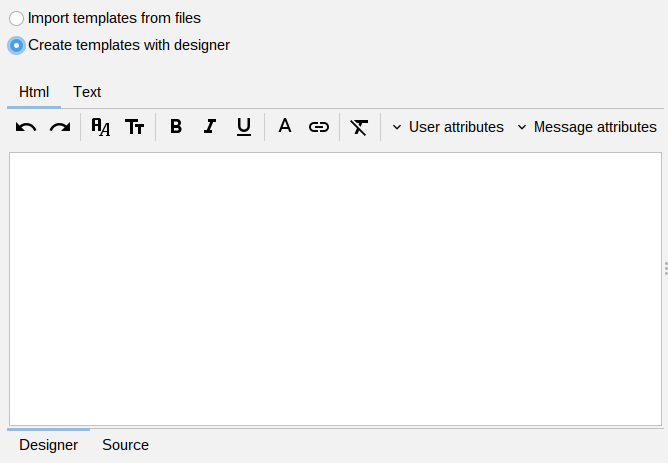
You can insert user or message attributes into templates. Attributes are placeholders that will be replaced with user or message data when the template is applied.
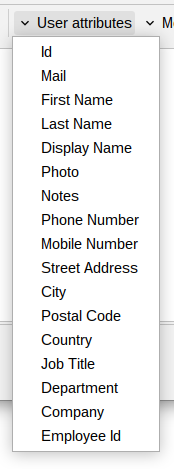

Images inserted through the designer are used as-is - they are not converted to CID attachments or Base64. Only external URLs pointing to publicly accessible internet resources should be used, as the recipient's email client will load them directly from that address.
Template realtime preview
See a real-time preview of the template while you design it.
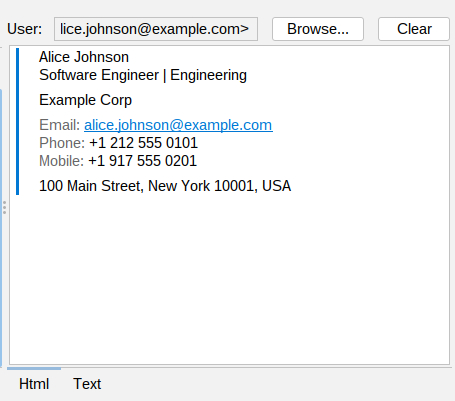
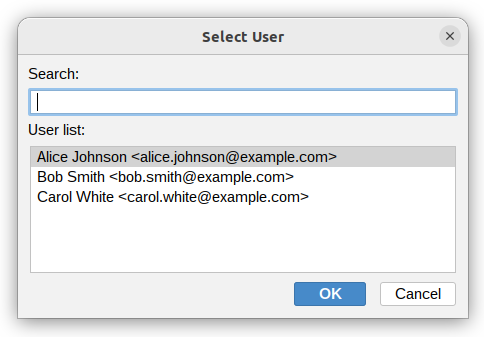
Select user
To preview templates with real user data, select a user from the user list. The preview will replace attributes with that user's information.